
Ir diezgan viegli iemīlēties lāzergravēšanas idejā. Tu internetā ieraugi video, kur lāzers dažās sekundēs uz koka...
Latest posts
-
 LaserLearn — LightBurn pamācības, lāzergravēšanas problēmu risināšana un ceļvedis no pirmā gravējuma līdz darbnīcaiLasīt rakstu
 -
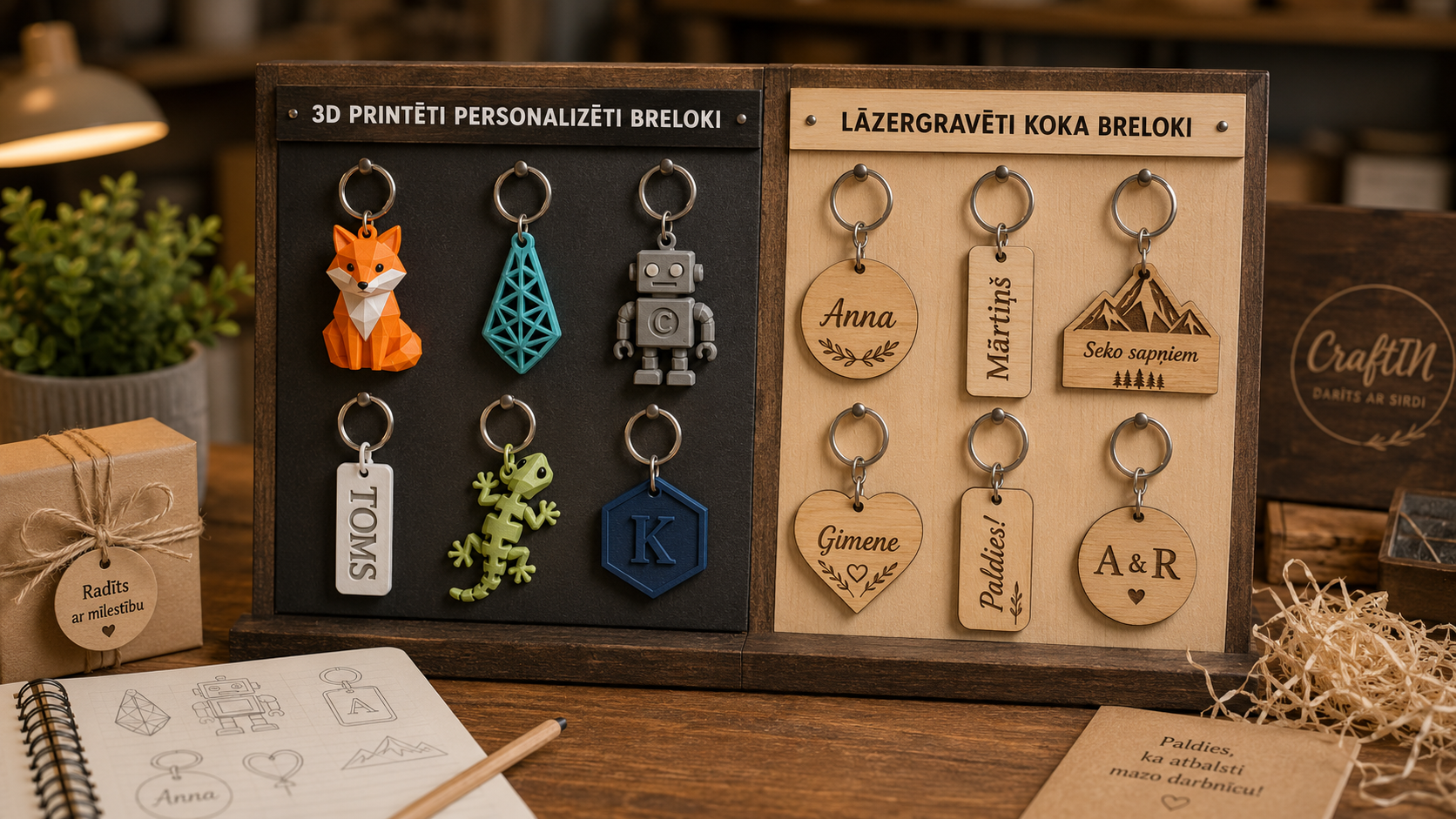 Atslēgu piekariņi ar personalizāciju – maza dāvana ar lielu nozīmiLasīt rakstu
Atslēgu piekariņš ir neliela lieta, kas cilvēkam ikdienā bieži ir līdzi vairāk nekā daudzas lielākas dāvanas. Tas ir...
-
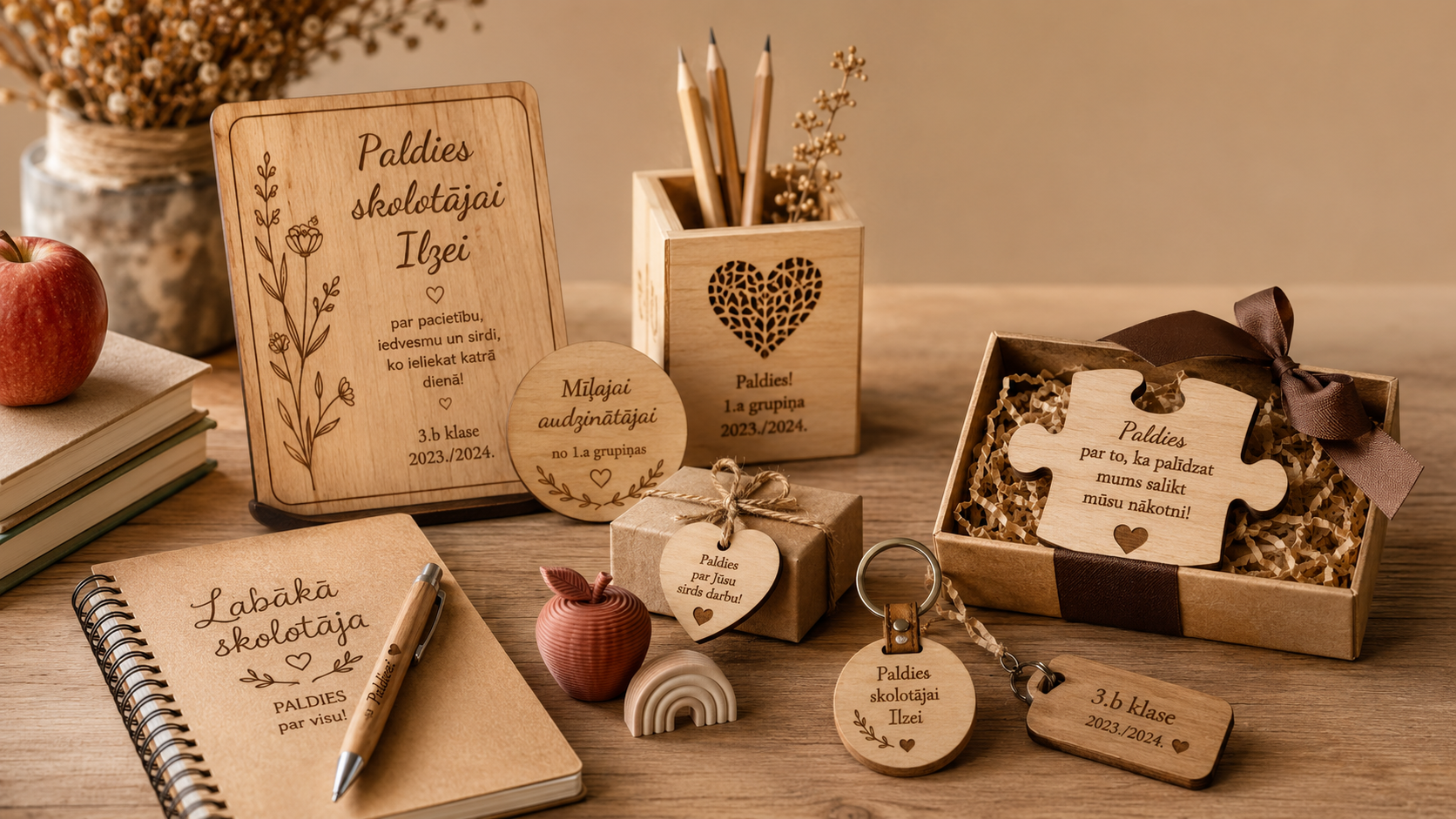 Personalizētas dāvanas skolotājiem un audzinātājāmLasīt rakstu
Dāvana skolotājam vai bērnudārza audzinātājai bieži vien nav tikai formāls “paldies”. Tā ir maza, bet svarīga...
-
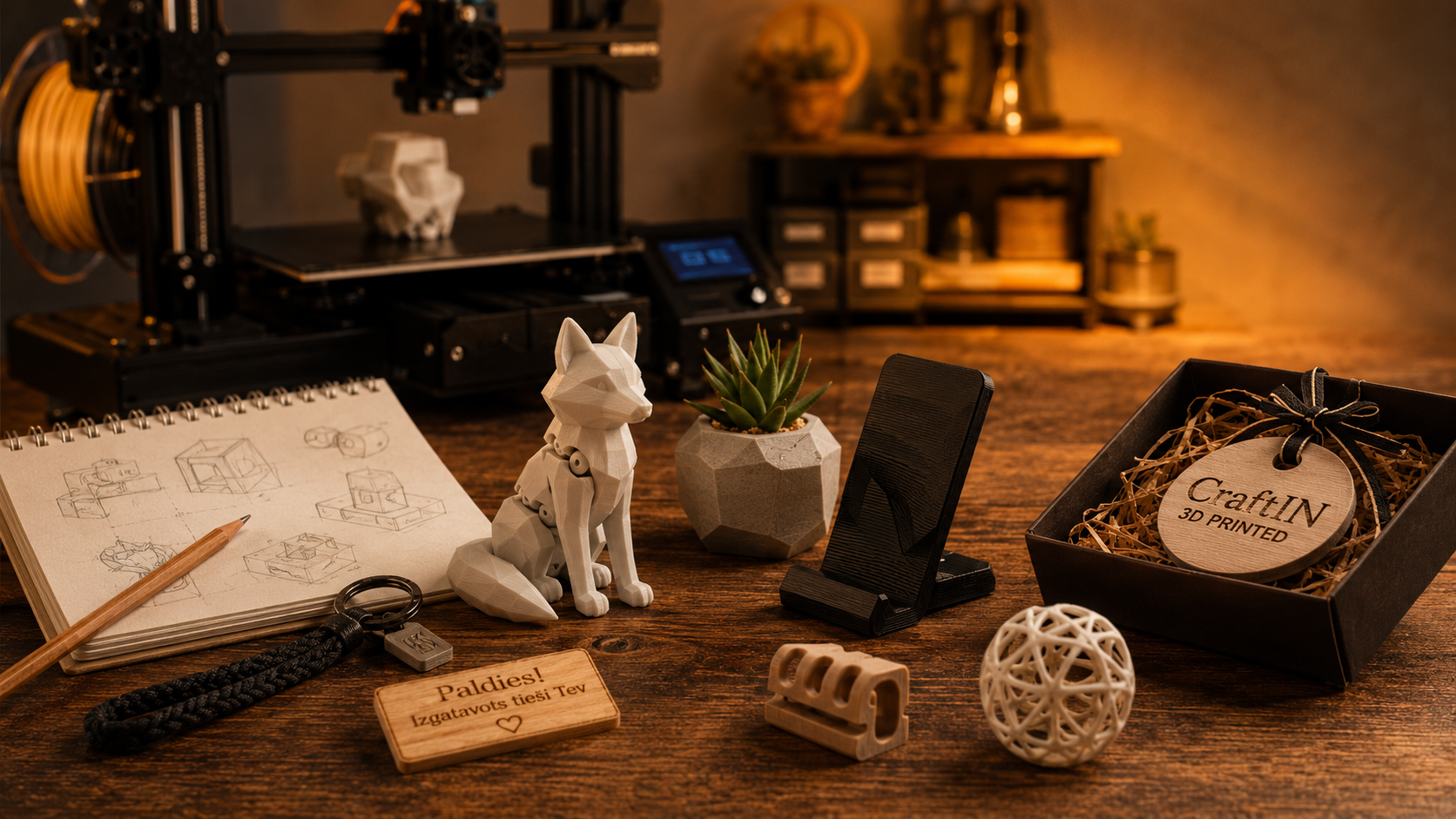 3D drukas pasūtījumi CraftIN darbnīcā – kad tā ir laba izvēle?Lasīt rakstu
<p> 3D druka ir viens no tiem rīkiem, kas ļoti labi iederas nelielā radošā darbnīcā. Tā ļauj izgatavot...
-
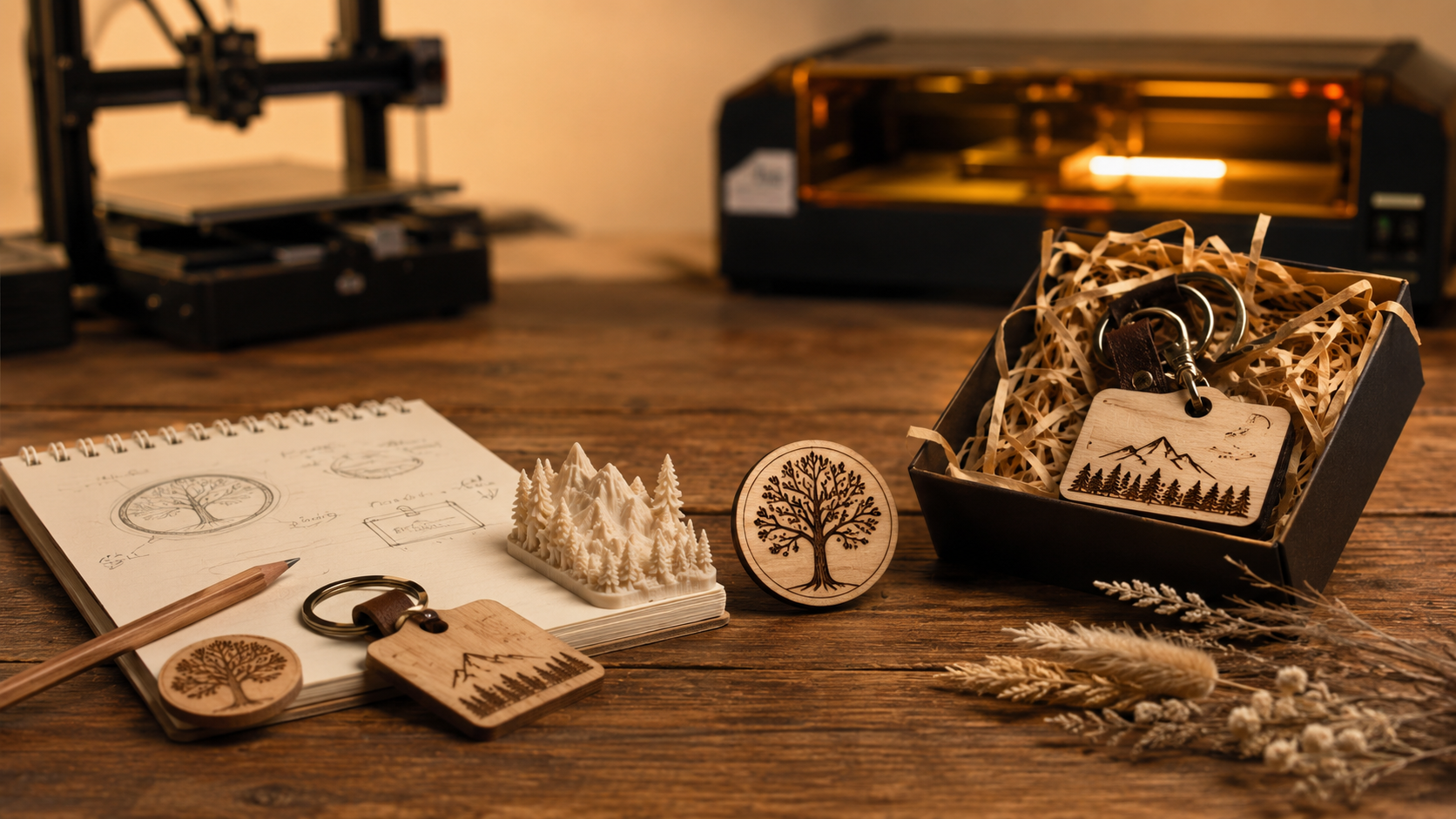 How does an individual order take place in the CraftIN workshop?Lasīt rakstu
Not always a gift or a practical thing begins with a finished product on the store shelf. Sometimes it all starts...
-
 Personalized Birthday Gifts | CraftINLasīt rakstu
A birthday present does not always mean something big, expensive or complicated. Sometimes it’s a small, personal...
-
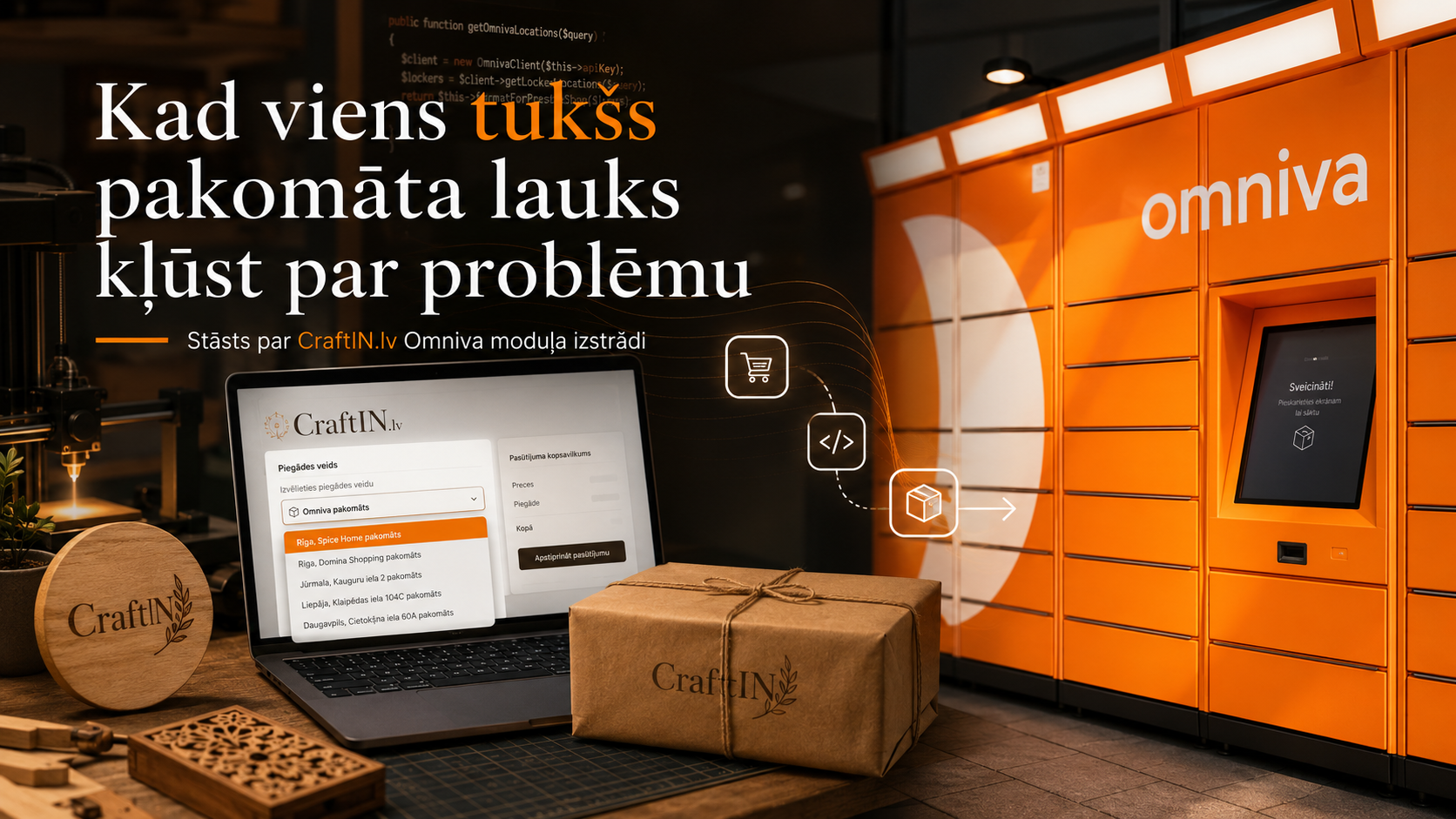 CraftIN Store Mysteries Solutions:"The Omniva input field that made you frown..."Lasīt rakstu
There are such moments in the life of an online store when everything supposedly works. The customer finds the...
-
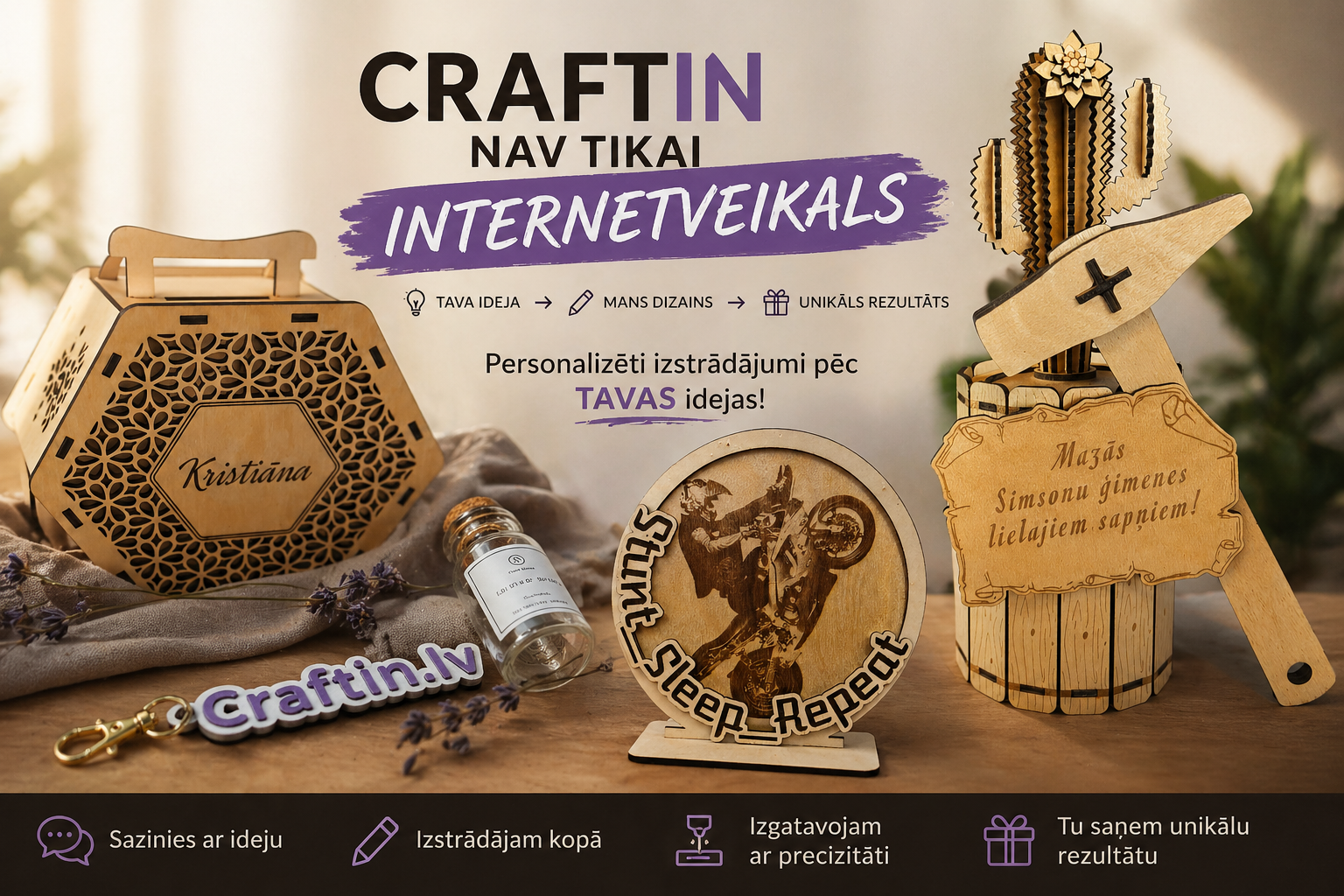 CraftIN is not just an online store – personalized gifts and individual ordersLasīt rakstu
If you have looked at the CraftIN online store, then you have already seen some of what I do. But only a part. In...
-
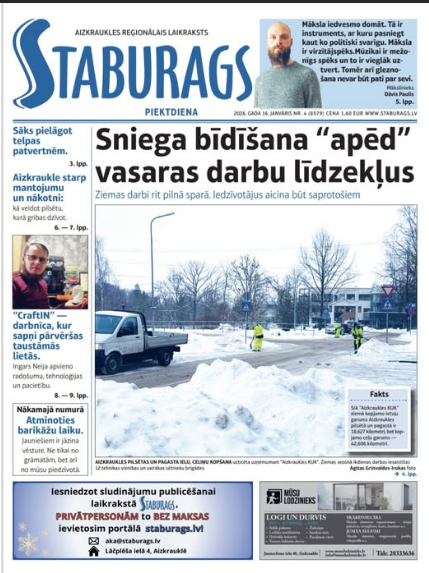 Interview in the newspaper "Staburags": "CraftIN" – a workshop where dreams turn into tangible thingsLasīt rakstu
When a hobby becomes a daily routine, and everyday life becomes a continuous learning, "CraftIN" arises. This is not...
-
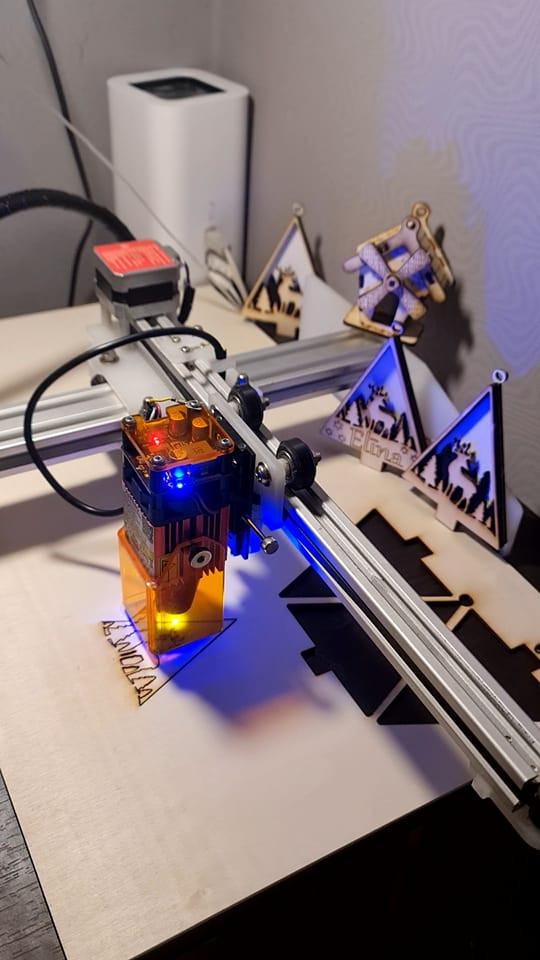 What is Laser Engraving, Laser Marking and Laser Cutting?Lasīt rakstu
"Laser engraving? It’s simple – press a button and everything happens by itself."But Is it really so? It’s not quite...
Blog categories
Search in blog
Archived posts
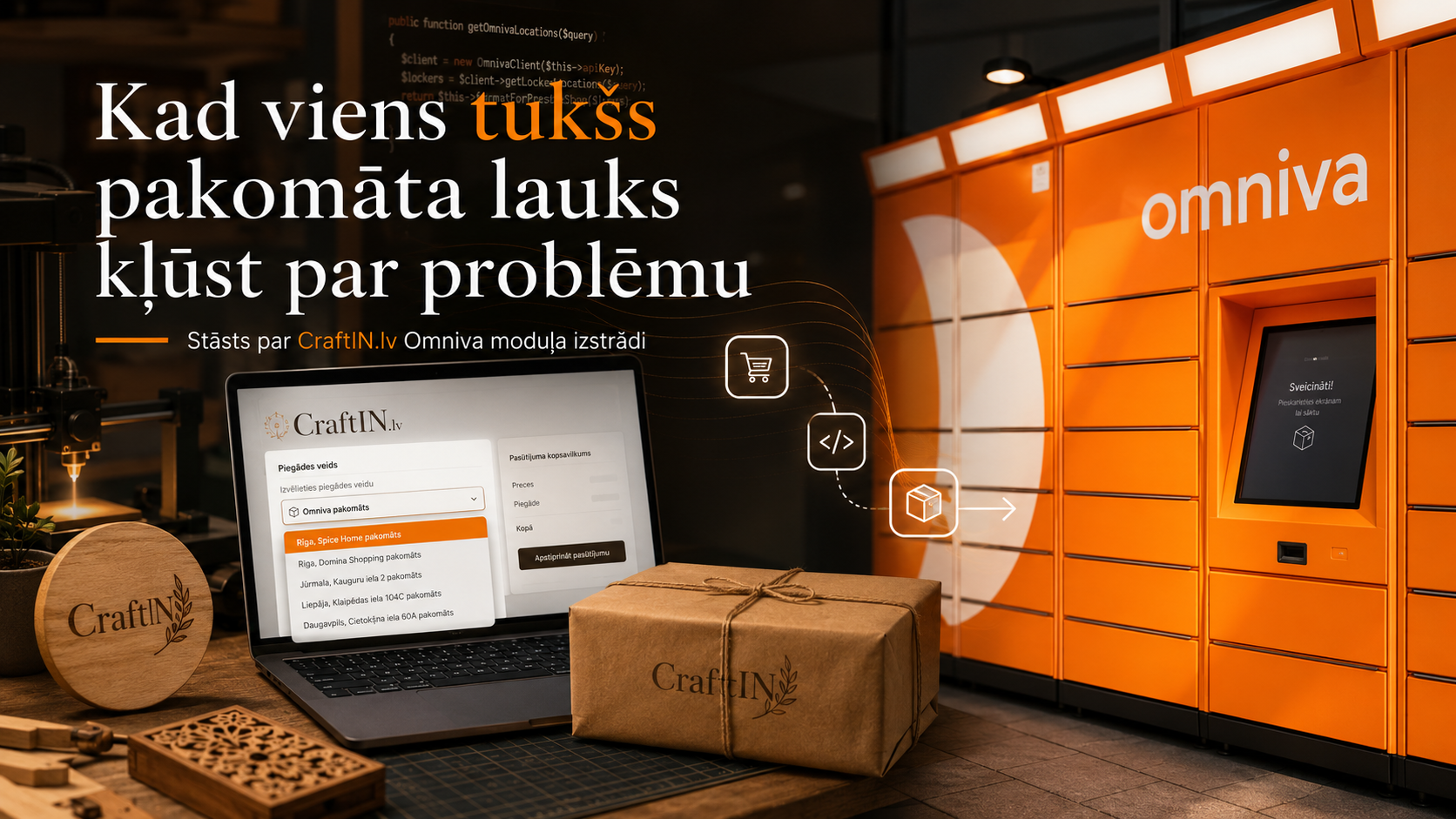
CraftIN Store Mysteries Solutions:"The Omniva input field that made you frown..."
Not the name of the parcel machine. Not addresses. Nor any kind of information "at that store where that bakery is next door." Nothing. Just the customer’s name, bill address, and the hope that my email shamelessly sent after 23 o’clock will be read by a person faster than my nerve cells will start to die. And at this point you realize that in the online store sometimes the problem is not big. It’s not a server error, it’s not a collapsed payment module, it’s not a lost cart, and it’s not a mystical store’s white screen staring at you in your soul like a frustrated accountant. The problem is much simpler: a person in the "Checkout" window simply did not notice the text input field, in which it was necessary to write the address of the Omniva parcel machine, or at least the name.
And I’m not going to blame him for that at all. Because I know, understand, and fully admit that at the beginning of building the store, I had created this utterly stupid solution with a regular text input field that allows you to continue placing an order even if you don’t have the necessary information entered in the text field.
My CraftIN.lv store isn’t a huge corporate system with warehouses, API integrations, courier contracts, and a logistics department where each shipment has its own manager, assistant, and possibly emotional support specialist. CraftIN is a small home workshop shop. There are personalized things, laser engravings, 3D printing works, individual orders, and sometimes projects that a normal person would first measure three times, then think twice and only then ask himself: "Do I really need this?" In my case, the answer is often: "If necessary, then you need - let’s make it!"
It was the so-called start-up simple solution that many have, both at home and in projects, and that they forget about until they stop functioning. In the checkout process there was a text field where the client had to type the most convenient Omniva parcel machine for himself. As if logical. As if understandable. As if people should see. But "as if" is such a dangerous word. It’s like building a bridge and saying at the end, "It’s as if you should hold on there." Technically, the field was. And I knew about it, so it seemed logical to me, but objectively looking at the situation that a person who is not familiar with the system, logic and structure of this store enters the store, I understand that this was just a logical matter of time and the sequence of events that were supposed to happen.
In addition, this field also appeared if the client chose to receive an order in the workshop. So the system behaved something like this: "Will you receive an order on the spot? Great! But, anyway... Please indicate the parcel machine." Clearly, this is not a UX mega-solution - it was the fixed, ugly solution that is often implemented and used with closed eyes on the idea of "I know you shouldn’t do it - but..." . It’s a small digital misunderstanding with good intentions.
And then the thinking began. How to arrange this so that there is no need to conclude a contract with Omniva, there is no need to make a complex full integration, there is no need to buy an expensive module, but the customer still cannot complete the Omniva delivery order without choosing a parcel machine? In other words, how do we go from "let’s hope a person will record" to "the system humanly helps to do things conveniently, quickly and correctly"?
This is how the idea of CraftIN Delivery Manager was born, a small but very specific PrestaShop module, the main task of which is not to portray a rocket control center, but to solve one real problem intuitively and fluidly: the customer must choose an existing Omniva parcel machine, and this choice should come to the order so that I no longer have to play a detective and unnecessarily disturb the customer with a question about the address of the parcel machine.
In this place, the technical part became interesting. I found that Omniva publicly provides parcel location data in JSON format. This means that you don’t necessarily have to do full shipment integration to show an up-to-date list of parcel terminals at checkout. The module can load the list of Omniva parcel terminals, save it locally in the store’s database, and then use it to search the checkout. The client does not even need to know the exact official name, code or address of the parcel machine. He begins to write "Aizkraukle", "Skriveri", "TOP", "Acropolis" or any corresponding part of the beginning of the word, and the system offers the appropriate parcel machines from which to choose the right one.
This is the moment where technology is finally doing what it should be doing more often—not complicating life, but quietly removing one annoying friction point from a "long-sore blister."
Of course, in life it is not the case that you write a code for the module, put it in the store and you can dance delightful dances. Rather, at first, the module code itself and error messages dance like a person for whom one shoe is too small, and the other has not yet been put on. The first sync threw a SQL error. Then the delivery method did not want to form. Then formed, but did not appear at the checkout. Then appeared in the checkout, but in the dropdown list on the parcel machine could not be clicked. Then one could click, but in the admin panel Omniva data appeared in three places, as if the module had felt especially important and decided: "I need to be seen everywhere."
This is the reality of programming. From the outside, people sometimes think that development is an elegant, colorful series of commands, where you write code, press Enter, and everything works. In fact, it’s often closer to a conversation with a very principled "daina closet." You say, "Please open up." The closet says, "Unknown column ’0’." You say, "Okay, I understood." Closet says, "Duplicate in price range." You sigh. Closet says, "Carrier exists, but I won’t show up at checkout." And then you realize that the closet is not an evil, stubborn fool. He’s just the one who dictates the rules right now until you understand your mistakes and predict the right sequences of events.
But it was this "one rake forward" approach that also made the module practical. This is not a theoretical solution from a presentation slide. It’s a module that was bred through real bugs, a real store, and a real need. Each fix wasn’t "it would be cool" or "would be cool" Each fix responded to a specific problem by offering a specific solution scenario.
Parcel machine data is now synchronized from the official Omniva parcel machine address list. They are stored locally, so that the checkout does not depend on whether the external file at a given moment responds quickly, slowly, or has decided to go after coffee at all. The client can search for a parcel machine by city, name or address. When the parcel machine is selected, it visibly appears as an approved selection. If, however, the parcel machine cannot be found, there is a manual backup mode "Do not find your parcel machine?", where the client still has the opportunity to record the necessary information himself. Because a good system should not become a digital doorkeeper who says, "If you’re not on the list, then you don’t exist." There must be some kind of emergency solution.
And most importantly, if Omniva delivery is chosen, the order cannot be completed without parcel machine data. Not with hope. Not with "quite already". Not with "I’ll ask afterwards." The system politely but firmly says: in order to be able to send an order with Omniva, please select a parcel machine or enter it manually.
It is this place that seems to me to be very important in a broader sense as well. We often think that a good online store means beautiful pictures, large buttons and a modern design. All this is important. But real good UX often lies not in what a person notices, but in what he no longer needs to think over. If the client does not need to mention where to record the parcel machine, if he does not have to be afraid to make a mistake, if he clearly sees what needs to be done, then the store becomes more reliable. Not because it screams "we are professionals", but because it behaves professionally. And here’s the moment where I have to roll up my sleeves, pull my pants up to my armpits and do everything as I should, because I’m the one who manages all the processes myself - everyone, from idea to production, order processing, soc.networks, store programming, and ultimately packing and shipping orders.
On the admin side, the module does what is even more important to me as a manufacturer — it displays the Omniva data of a particular order directly in the order view. Not somewhere in the comment, not in the client’s letters, not in the note, which should then be searched like a lost screw under the workbench. I open an order, see the parcel machine, the recipient, the phone and I can copy the data to the Omniva self-service system. It’s not a complete miracle of an API that generates a label on its own, but it’s also not needed. I needed a quick and secure bridge between the customer’s choice and my manual shipping process right now. And now that bridge is.
Yes, omniva logo support in the checkout part was also added to the module. This is more important than it may seem at first. The client should visually see that this is omniva delivery, and not some kind of abstract "parcel machine". If the store cooperates only with Omniva, then it must be clearly shown. Not aggressive, not stuffed, but understandable. A good logo in the right place sometimes explains more than three sentences with delivery conditions.
I like such improvements because they’re not about "we’re going to be a huge ecommerce monster now." They’re about something much more down-to-earth and real. About the fact that a small store can be smart. For the fact that the home workshop can work in an orderly manner. About the fact that individual orders and technical solutions are not opposites. On one side there can be wood, engraving, layers of a 3D printer, handmade and packed at the table. On the other side – database, JSON, checkout validation, local cache and a small module that looks after so that the order does not get caught in the wrong place.
And maybe that’s what I like most about this story. This module is not created to "be a module". This arose because there was a real problem. An order paid for by a customer should not stand on the table just because my original system was too shy and ill-considered to more visibly ask the customer for the address of the parcel machine without the possibility of missing this important point.
Now the system asks.
Politely. Clearly. With the Omniva list. With a backup option. With data in the order. With the copy button. And without the feeling that the client is thrown into a technical labyrinth, where the exit is somewhere between "comment on the order" and "we will contact you later".
Sometimes a good improvement is not a huge revolution. Sometimes it’s one correctly asked question at the right moment.
"To which Omniva parcel machine to send your order?"
And suddenly the whole process becomes calmer. Clearer for the client. I’m faster. Safer for ordering.
Small module. Big difference.
That’s how I like to build CraftIN.lv—not just adding features, but picking those little digital stones out of the way that people tend to stumble over. Because if already the work is done in a home workshop with care, then the path to the client should also be with the same attitude. One learns from mistakes only by acknowledging them and working on correcting mistakes, so I am always happy with objective feedback and recommendations so that everything becomes better, more comfortable and achieves my set goals.
Posted in:
Citi raksti
Related posts
-
Interview in the newspaper "Staburags": "CraftIN" – a workshop where dreams turn into tangible things
When a hobby becomes a daily routine, and everyday life becomes a continuous learning, "CraftIN" arises. This is not...Lasīt rakstu
-
CraftIN is not just an online store – personalized gifts and individual orders
If you have looked at the CraftIN online store, then you have already seen some of what I do. But only a part. In...Lasīt rakstu
-
Personalized Birthday Gifts | CraftIN
A birthday present does not always mean something big, expensive or complicated. Sometimes it’s a small, personal...Lasīt rakstu
-
How does an individual order take place in the CraftIN workshop?
Not always a gift or a practical thing begins with a finished product on the store shelf. Sometimes it all starts...Lasīt rakstu
-
3D drukas pasūtījumi CraftIN darbnīcā – kad tā ir laba izvēle?
<p> 3D druka ir viens no tiem rīkiem, kas ļoti labi iederas nelielā radošā darbnīcā. Tā ļauj izgatavot...Lasīt rakstu
Leave a comment